01
Scan & choose
The guest opens your menu and sends an order.
 MenuZap.
MenuZap connects QR menu ordering, restaurant POS, kitchen display, AI food costing and guest loyalty. One restaurant management platform for guests, waiters and owners.
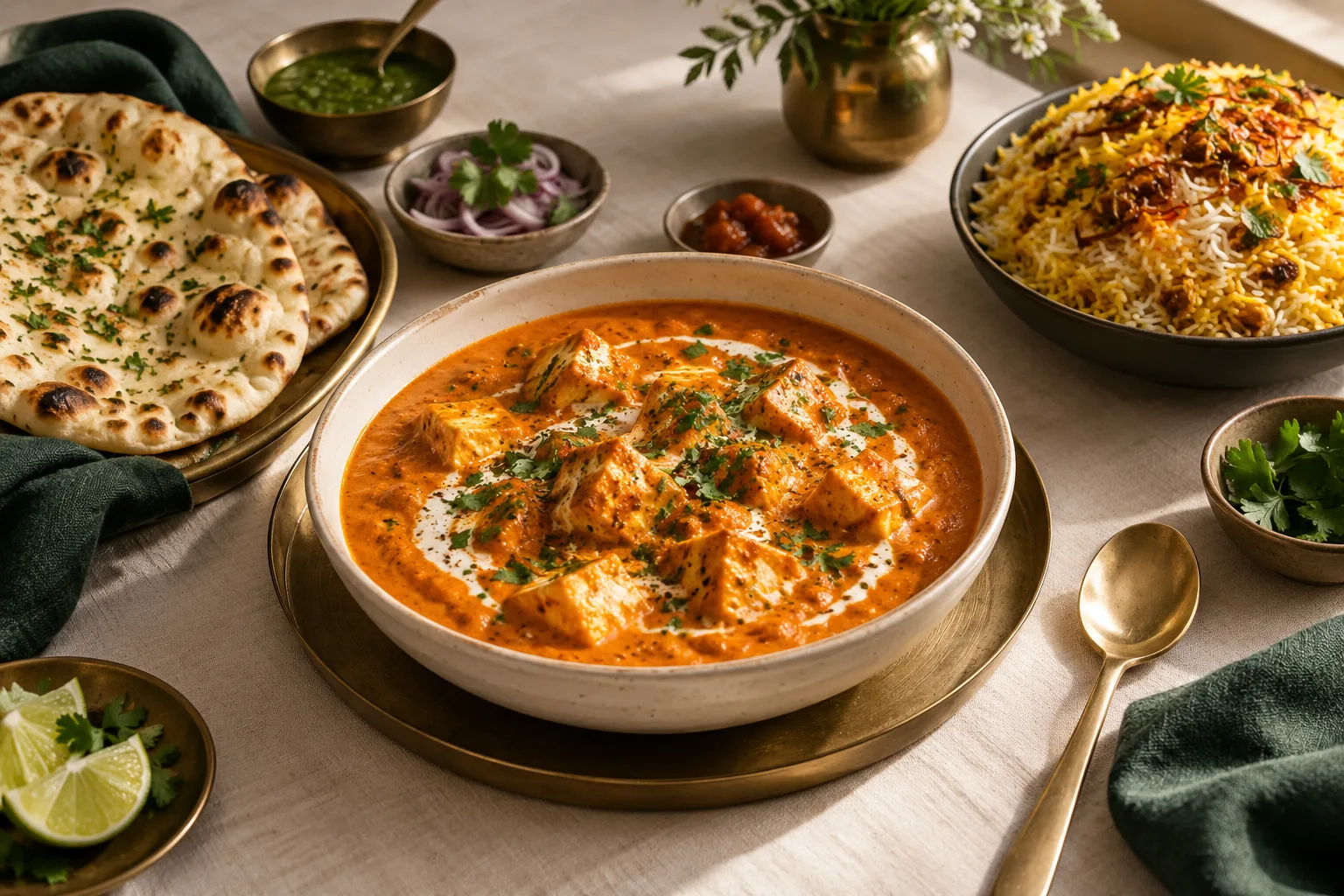 Made for the joy of dining. MenuZap / Smart POSIllustrative previewPaneer makhaniMenu item +Saffron biryaniMenu item +Garlic naanMenu item +Chef’s selectionMenu item +
1 × Paneer makhani
1 × Garlic naan
Order accepted by waiterDifferent roles. The same live picture. Give every person the tools they need, from a busy counter to the back of the kitchen.
MenuZap / Smart POSIllustrative previewPaneer makhaniMenu item +Saffron biryaniMenu item +Garlic naanMenu item +Chef’s selectionMenu item +1 × Paneer makhani
1 × Garlic naan
Order accepted by waiterThe guest opens your menu and sends an order.
The waiter verifies it. The kitchen prepares each course.
Your waiter tracks pickup, delivery and the next course.
Staff collect payment using MenuZap or connected billing.
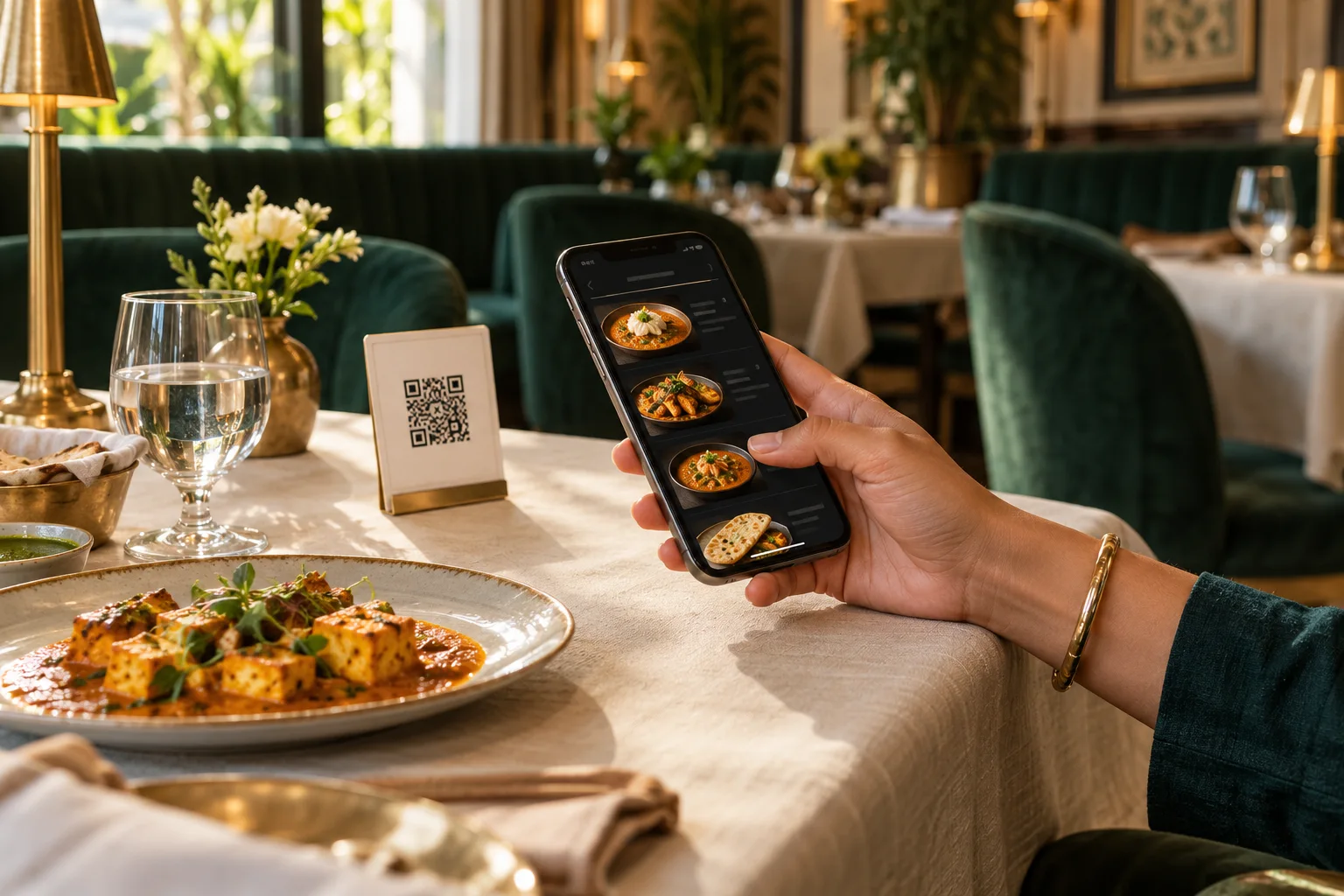 A seat at your table
Scan, explore the menu and choose your favourites. Guests can order without joining loyalty, while your waiter stays in control of accepting the order.
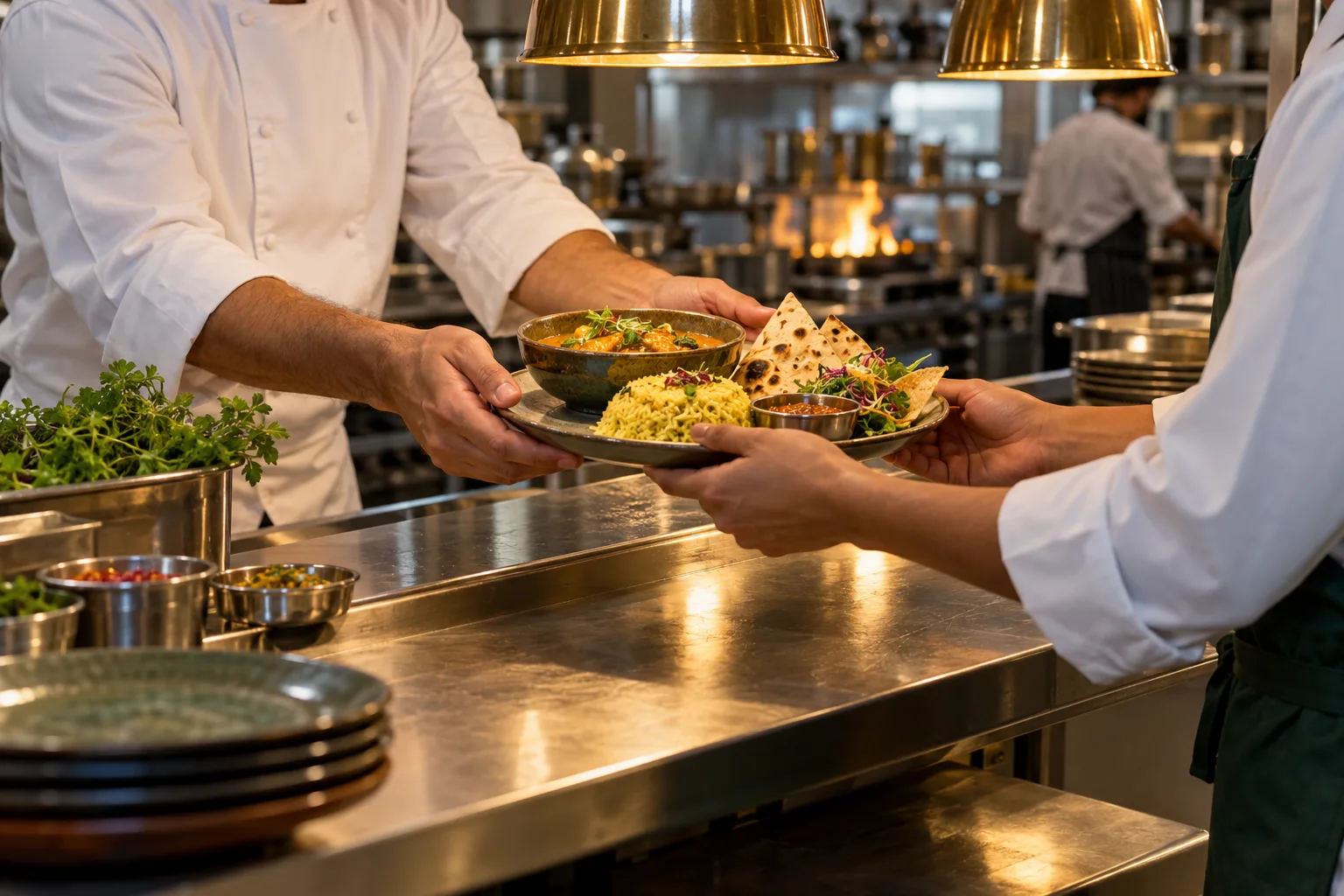 Made with care
Clear orders for the kitchen. Course updates for the waiter. A connected view for the owner, so everyone can focus on looking after guests.
Give your food a home that feels like your restaurant. Choose a design from the dashboard, add your photos and make it yours.
CHEF’S SELECTIONRich tomato, cream & a little comfort.
Interactive style preview · no real order is placed
See how MenuZap helps guests choose, owners understand costs and teams build relationships with returning customers.
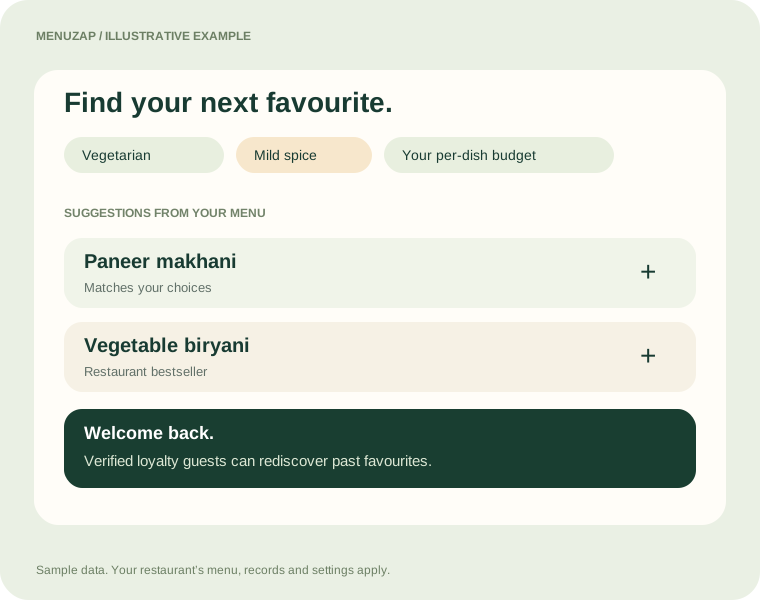
Help guests explore different dishes from your actual menu, with suggestions shaped around what they want to eat.
Diet preference, spice level and a per-dish budget narrow the available menu.
Bestsellers, chef’s specials and complementary items can guide suggestions. AI can rank matching dishes when available.
Signed-in, verified loyalty guests can rediscover favourites from their linked paid orders. Guests choose what to add.
Suggestions use your menu data. They do not replace speaking to staff about allergies.
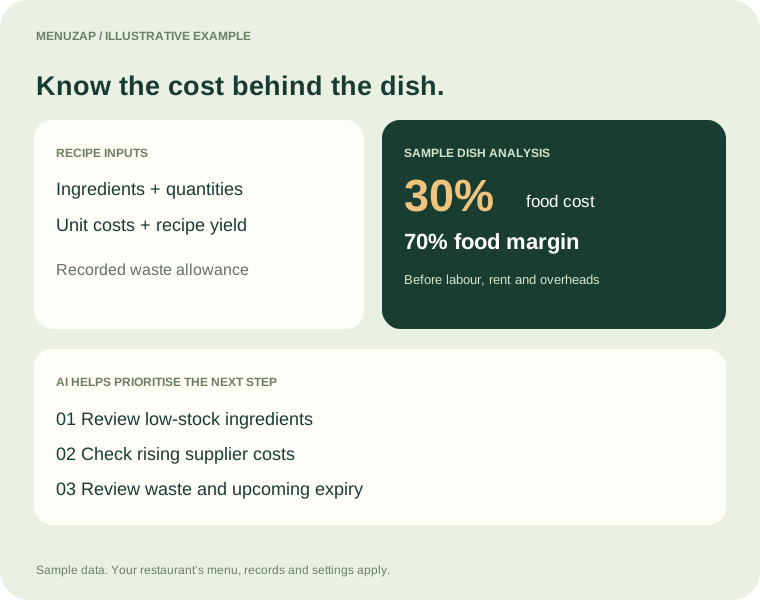
Connect ingredient costs to each recipe, then see which dishes and stock issues deserve attention.
Record ingredient units, purchase costs, quantities per serving and any waste allowance.
Review food-cost percentage, food margin and an indicative base price for your chosen food-cost target.
AI helps prioritise recorded low stock, supplier price increases, waste, expiry and incomplete recipes. Owners review and decide.
MenuZap does not automatically change selling prices or place purchases. Food margin excludes labour, rent and other overheads.
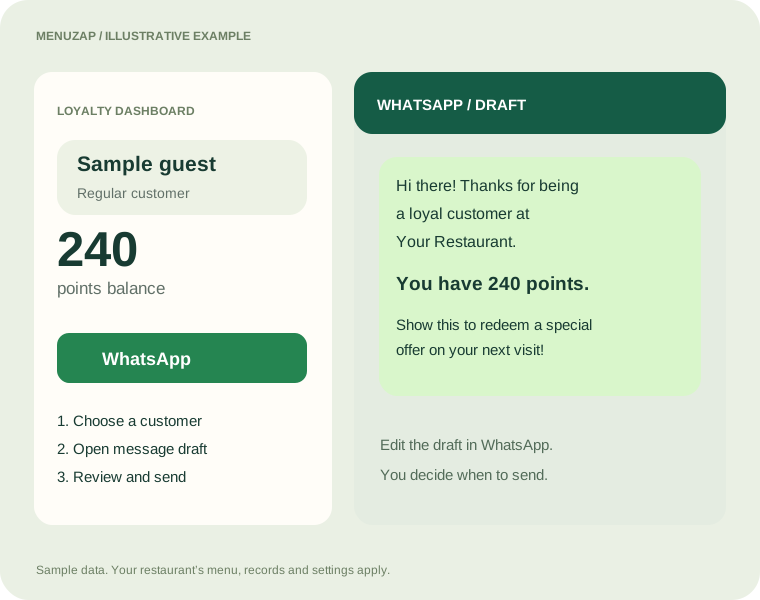
Turn a points balance into a useful, personal conversation with your customer.
Find a customer and review their recorded points balance and visits.
MenuZap opens WhatsApp with a prepared message containing the restaurant name and the customer’s current points.
Edit the draft, confirm the offer matches your loyalty rules, then send it from WhatsApp to customers who agreed to receive offers.
This is an owner-sent message, not an automatic bulk campaign. A valid customer phone number and WhatsApp access are needed.
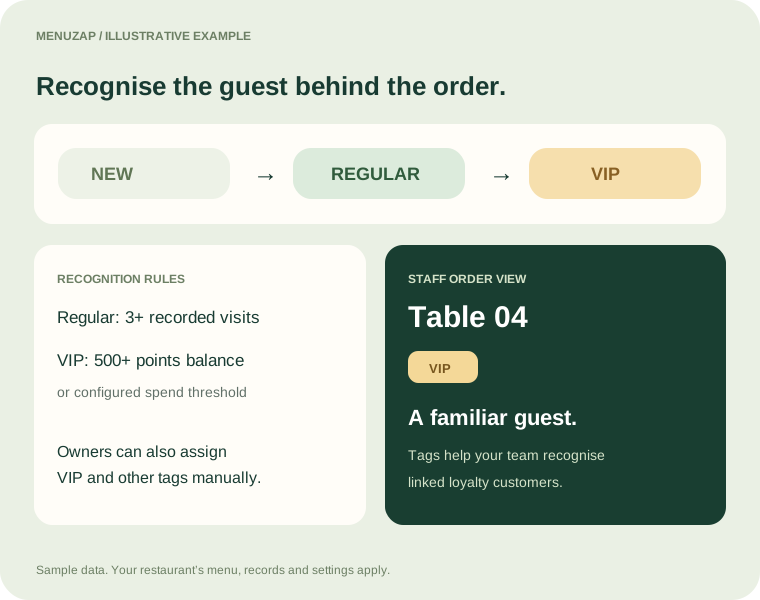
Use recorded loyalty activity and owner-assigned tags to give staff helpful context about returning guests.
The existing rules identify Regular customers from three recorded visits, unless they qualify as VIP.
VIP status can come from a points balance of 500 or more, or a configured spend threshold. Owners can also add a VIP tag manually.
Tags on linked loyalty orders help waiter and kitchen staff recognise the customer. Owners can manage VIP, Regular, Birthday and other tags.
These are staff-facing labels. Automatic tags depend on recorded loyalty data and linked orders; a VIP label does not itself create a discount.
Make it easier for guests to share their experience on Google, while their visit is still fresh in mind.
Add your restaurant’s Google Review URL in Dashboard → Settings.
When a guest selects their payment method, MenuZap shows your restaurant’s branded review invitation while the waiter collects payment.
The guest opens your review page, writes their feedback and chooses whether to publish it. No searching for your restaurant again.
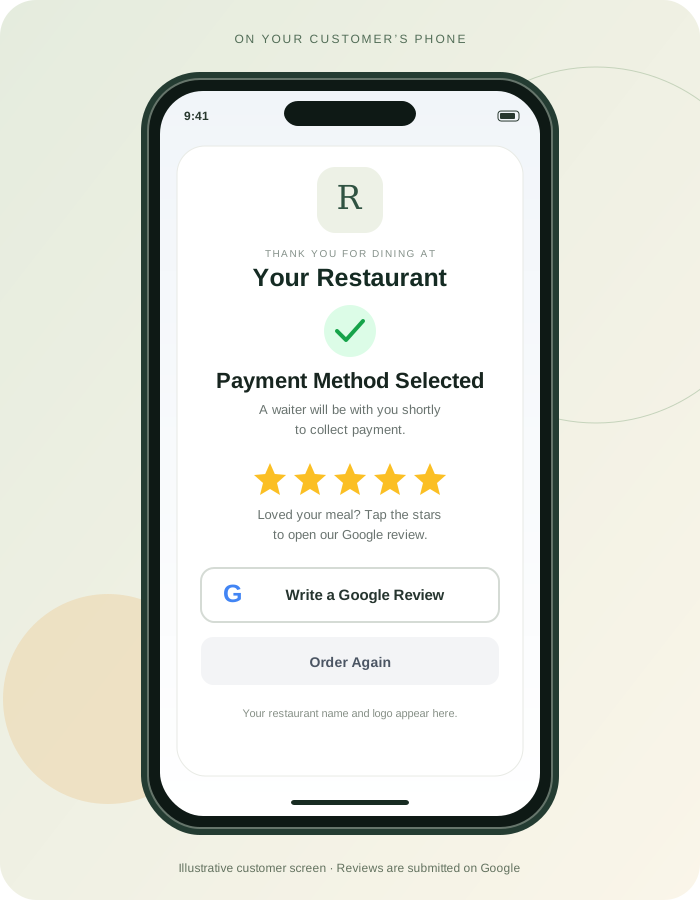
A timely invitation and a direct link make leaving feedback easier.
Guests write and submit their reviews on Google. Review counts and ratings depend on customer participation.
Explore the tools behind the experience. Open any feature for the details. Availability depends on your plan and configuration.
Open the table menu in a phone browser. No app download or account required to browse and order.
Six themes, dish photos, categories, modifiers and availability controls. Add your restaurant logo and details.
Help guests choose by food preference, spice and budget. Verified loyalty members can rediscover dishes from previous paid orders.
Guests can follow their order, call for service and request their bill.
English, Polish, Hindi and Arabic menu controls, dish search, dietary filters and restaurant-provided translations.
Staff review guest orders before sending them into service.
Table tickets, course sequencing and preparation status give the kitchen a shared view of the work.
Waiters start later courses and record pickup and delivery. Payment and food preparation remain separate.
Organise tables and zones, generate table QR codes and follow running orders. Kitchen clear includes an undo option.
Configure a location boundary and use waiter verification to help reduce orders from outside your venue.
Create staff orders, switch tables, hold a cart and resume it when needed.
Item-level tax settings, discounts, tips, service charges and loyalty redemption in MenuZap billing.
Record cash, card or UPI collected by your team, including partial collections and refunds. MenuZap does not charge the guest online.
Branded receipts with restaurant details, print and reprint, collection history and cash reconciliation.
Record purchases, stock counts, adjustments, waste, returns, suppliers and expiry dates.
Link ingredients and quantities to dishes to calculate food cost and margins from your records.
Review calculated stock, margin, price, waste and expiry findings. AI helps prioritise actions; you stay in control.
Use low-stock recommendations, movement history and exports to plan restocking.
Guests can join or skip. Sign up with email, mobile number and PIN, with email verification.
Returning guests sign in with email or mobile plus PIN. PIN recovery uses email verification; phone ownership is not SMS-verified.
Manage loyalty rules, customer records, tags and points. Show eligible rewards during MenuZap checkout.
Add your Google review URL in Settings. When a guest selects a payment method, the end-of-meal screen invites them to open Google and share their experience. The guest chooses whether to publish a review.
Connect WhatsApp Business for supported customer communication. Setup, permissions and provider requirements apply.
Review sales, taxes, payment methods, food cost, recorded collections and losses. Filter dates and export CSV reports.
Give owners, waiters and kitchen staff access to their working screens. Configure restaurant settings centrally.
Set the currency for each restaurant, including INR and PLN. Premium supports up to five locations.
Hotel tools include rooms, room service and room charges. Connect compatible billing software through a provider-specific adapter.
Use MenuZap billing or connect your existing system. With a compatible provider adapter, accepted orders go out and payment status comes back.
Discuss your billing system Provider-specific setup and testing required. External billing software handles its own fiscal receipts.MenuZapGuest orders & serviceYour provider stays responsible for fiscal billing.
30 days after approval. No card required to apply.
Published India prices below. Ask us about pricing for Poland and other regions.
A beautiful QR menu for guests to browse.
For your everyday restaurant service.
Understand costs and grow repeat visits.
A tailored setup for your business.
India monthly list prices. Applicable taxes are confirmed in your quote. Hardware, paid messaging and custom integrations are quoted separately. AI menu allowances apply to Restaurant and Growth and reset each calendar month. QR Starter is menu viewing only. Ordering and regular suggestions continue after a paid plan's AI allowance is used. Existing subscriptions retain their agreed terms.
MenuZap is browser-based restaurant management software by UttamX Automation. It connects QR and NFC menu ordering, waiter acceptance, kitchen display, Smart POS, inventory, food costing and guest loyalty.
MenuZap supports restaurant currencies including INR and PLN and menu language controls including English, Hindi, Polish and Arabic. Published India plans start at INR 299 per month per restaurant. Contact the team for Poland pricing and provider-specific fiscal billing integration requirements.
Save your restaurant’s Google Review URL in Dashboard → Settings. In the current customer flow, selecting a payment method opens a branded thank-you and review invitation while staff collect payment. Guests can open your Google review page and submit their own feedback there. MenuZap does not publish reviews for them or guarantee review counts or ratings.
On Restaurant and Growth, guests can skip loyalty and order. Loyalty registration is optional, with email verification and email-based PIN recovery. QR Starter offers menu viewing only.
No. Your waiter collects payment from the customer. MenuZap records the collection, or receives the paid status from connected billing software.
MenuZap has an external billing framework: accepted orders can be exported, and billing totals and payment status can return. Each provider needs a compatible adapter, menu mapping and testing. It is not a ready-made connection to every POS in India or Poland. Your existing fiscal billing system remains responsible for its receipts.
The web app is designed for desktop, tablet and mobile browsers. Receipt printing uses the browser and your configured printer. Silent automatic printing and kitchen printer compatibility depend on the device, printer and setup.
Guests can ask for dishes that match their preferences. The inventory assistant analyses your recorded stock and recipe data, then helps prioritise findings. Suggestions depend on data quality and AI availability; staff review the recommendations.
An internet connection is required to send orders, sync kitchen updates and record payments. Smart POS can hold a cart on the current device for later use.
Submit your restaurant details on the signup page. Your request appears in our approval queue. After approval, we create the restaurant, email sign-in details and start your 30-day free trial. No payment card is required to apply.
Choose the plan that fits your venue. Confirm pricing, currency and any connector or hardware setup costs with the MenuZap team before continuing. Available features and limits depend on your plan.
Apply → Get approved → Start your 30-day trial